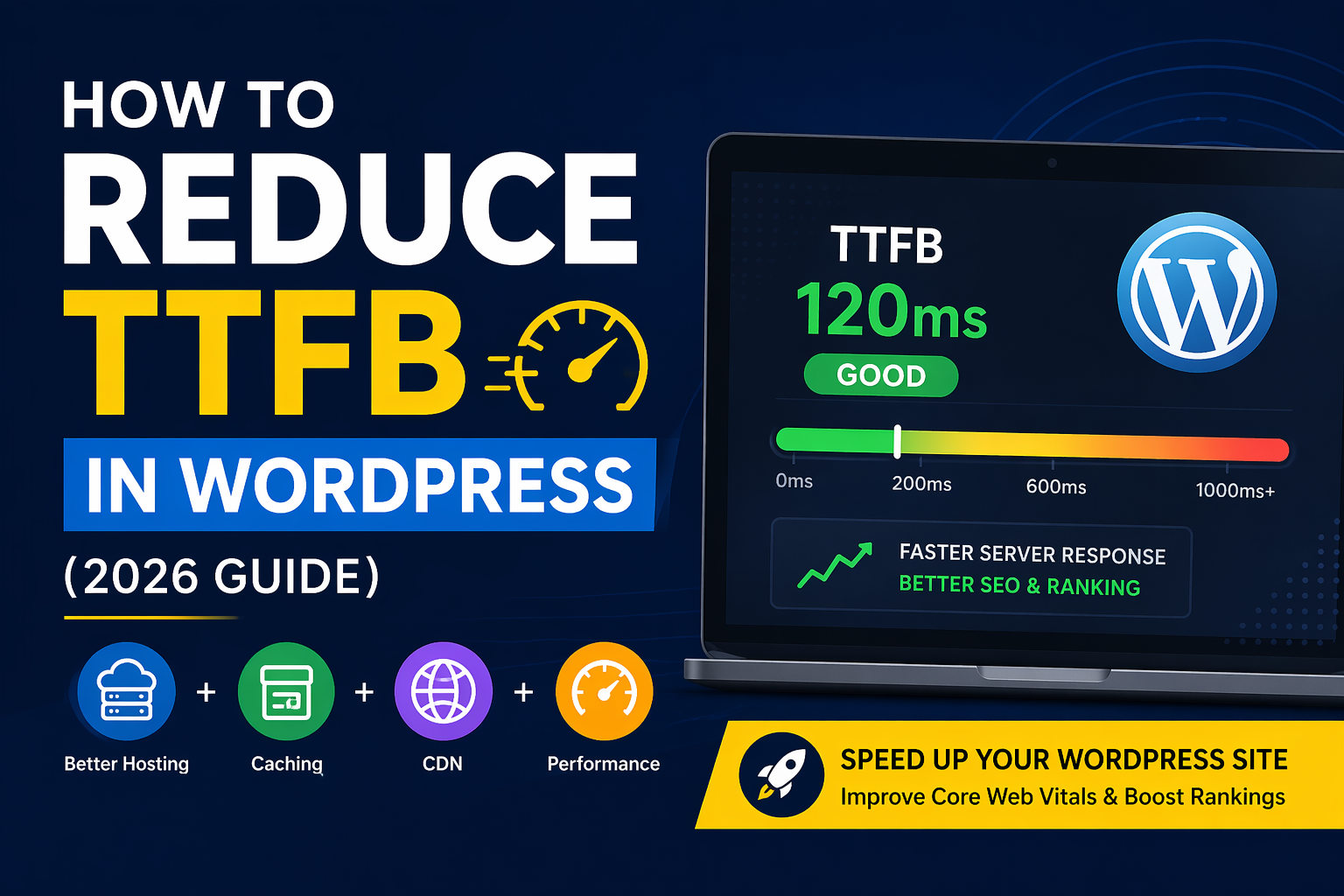
What is TTFB?
TTFB (Time to First Byte) is the time taken by a server to respond to a user request. A good TTFB is under 200ms.
In WordPress, a slow TTFB is usually caused by three things: Server latency, PHP processing, or Database bloat.
How fast your server starts loading your website
- Good TTFB: < 200ms
- Average: 200ms – 600ms
- Poor: 600ms+
High TTFB = Slow website = Poor SEO rankings ❌
Why High TTFB is Dangerous?
- ❌ Affects Core Web Vitals
- ❌ Slows page load speed
- ❌ Increases bounce rate
- ❌ Reduces conversions
- ❌ Impacts Google ranking
Let’s find out what Causes High TTFB in WordPress?
- Cheap / Slow Hosting
Shared hosting = slow response - No Page Caching
Every request hits PHP + database - Heavy Plugins
Too many plugins = slow execution - Unoptimized Database
Slow queries increase response time - No CDN
Server far from user = delay - Poor Theme Code
Heavy theme = slow rendering
How to Reduce TTFB in WordPress (Step-by-Step)
- Upgrade Your Hosting (Biggest Impact)
Use high-performance hosting:
– Cloud VPS (DigitalOcean, AWS)
– LiteSpeed servers
– Managed WordPress hosting
👉 Avoid ₹100/month hosting if serious about SEO - Enable Full Page Caching
– Use Server-level caching (NGINX / LiteSpeed)
– Install WordPress caching plugins like LiteSpeed Cache, WP Rocket
🚀 PRO TIP:
This alone can reduce TTFB by 70–90% - CDN stores your site closer to users
Use Cloudflare’s free plan, which is enough to provide a faster response globally. It will also reduce server load. - Use Object Cache (Redis)
If you have VPS then
– Install Redis
– Enable object caching
👉 It will reduces database calls massively - Optimize Theme Code
– Remove unused scripts from your active theme.
– Use Light weight themes or custom themes. - Optimize PHP Performance
– Upgrade your php version to 8.2+.
– Enable OPcache
– Remove autoload bloat - Reduce External Requests
– Avoid too many fonts in your theme.
– Avoid Third party scripts - Optimize Database (No Plugins Method)
Run cleanup:
DELETE FROM wp_posts WHERE post_type = 'revision';
DELETE FROM wp_options WHERE autoload = 'yes';
🚀 Want to Fix Your Website Speed?
Get a FREE WordPress Speed Audit
✔ Reduce TTFB
✔ Fix Core Web Vitals
✔ Improve SEO Ranking
Frequently Asked Questions
A good TTFB is under 200ms.
Yes, it directly impacts Core Web Vitals and rankings.
Yes, using server optimization, caching, and clean code.
Yes, it usually increases response time.