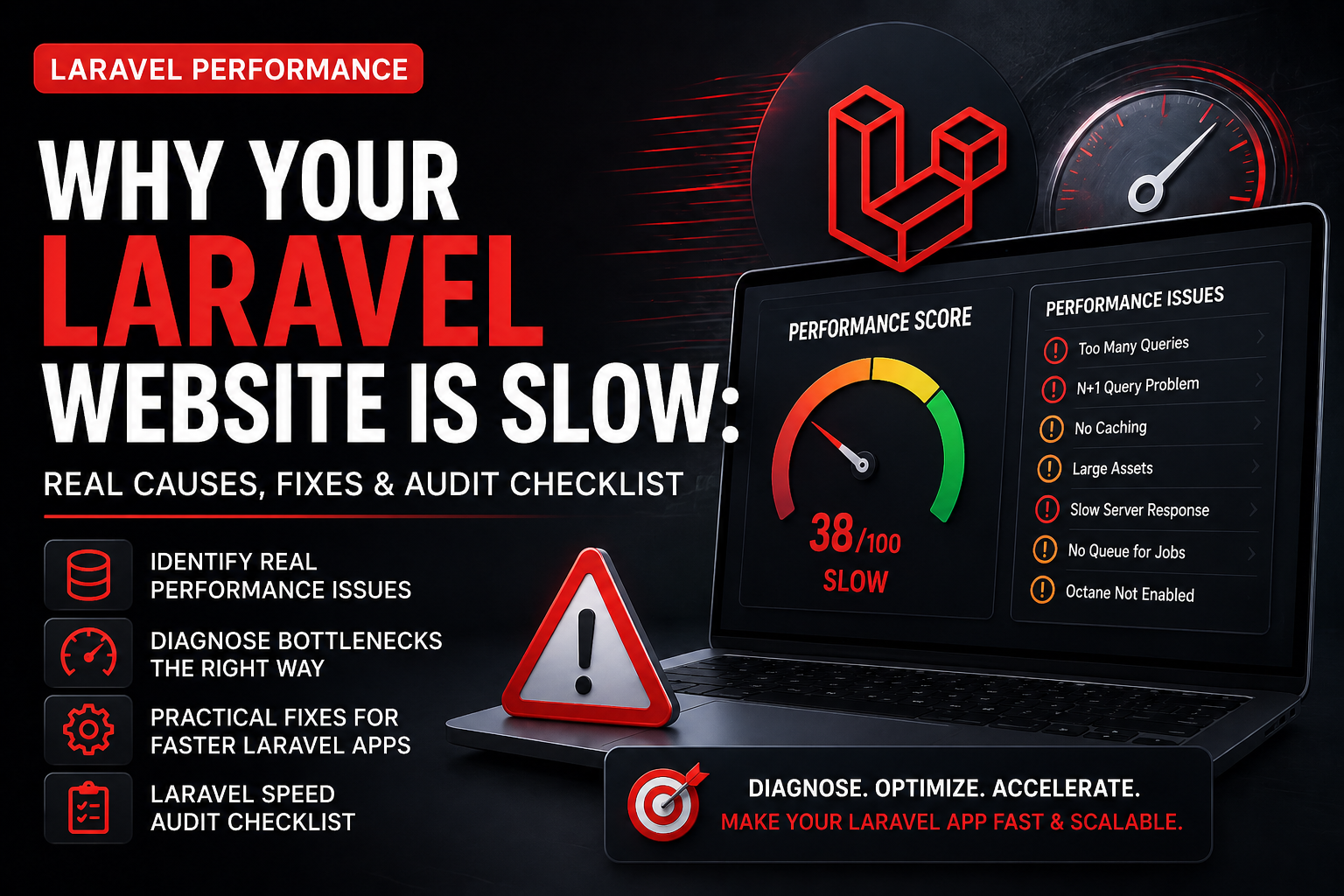
How to Identify Laravel Performance Bottlenecks (Before Fixing)
Before fixing performance, you must identify where the problem exists. Most developers directly apply optimization techniques without understanding the root cause, which leads to wasted time and minimal improvement.
Laravel performance issues usually fall into four categories:
- Database layer (slow queries, missing indexes)
- Application layer (inefficient code, N+1 issues)
- Infrastructure layer (server, PHP config)
- Frontend layer (assets, images, JS)
The key is to diagnose first, then optimize.
Step 1: Measure Your Laravel App Performance
Before making changes, measure your current performance.
Use tools like:
- Laravel Debugbar
- Laravel Telescope
- Query logs
- Chrome DevTools
- GTmetrix
Track:
- Page load time
- Query execution time
- API response time
Without measurement, optimization is guesswork.
Step 2: Identify Database Bottlenecks
Check if your database is the bottleneck.
Signs:
- Slow queries (>100ms)
- Large joins
- Missing indexes
Fix:
- Add indexes
- Optimize queries
- Use eager loading
Step 3: Detect Application-Level Issues
At the application level, performance issues come from inefficient logic.
Common issues:
- N+1 queries
- Heavy loops
- Repeated API calls
Fix:
- Cache repeated data
- Use eager loading
- Move logic to services
Step 4: Check Caching Layer
Many apps claim to use caching but implement it incorrectly.
Audit:
- Is Redis enabled?
- Is cache actually being used?
- Are cache keys optimized?
Fix:
- Implement proper cache strategy
- Use Redis over file cache
Step 5: Analyze Server Performance
Even optimized code can run slow on bad servers.
Check:
- PHP version
- CPU usage
- RAM usage
- Disk speed
Fix:
- Enable OPcache
- Upgrade to PHP 8.2+
- Use VPS/cloud
Step 6: Check Background Processing
If queues are not used, your app will slow down under load.
Audit:
- Are emails processed instantly?
- Are jobs blocking requests?
Fix:
- Use Redis queue
- Setup Supervisor
Step 7: When to Use Laravel Octane
Laravel Octane is not required for every app.
Use it when:
- High concurrent traffic
- Real-time apps
- SaaS platforms
Otherwise, optimize basics first.
Laravel Speed Audit Checklist (ACTIONABLE)
👉 Make it checklist style
✔ Query time < 100ms
✔ No N+1 queries
✔ Redis enabled
✔ Queue working
✔ Images optimized
✔ PHP 8.2+
✔ OPcache enabled
✔ API response < 300ms
Conclusion
Laravel performance is not about applying random fixes. It’s about identifying bottlenecks and solving the right problem at the right layer.
Most slow applications don’t need advanced tools—they need proper diagnosis.
Call To Action
🚀 Need Help With Your Website?
Get a free consultation to improve your website performance, SEO, and conversions. We specialize in WordPress, WooCommerce, Laravel, and custom solutions.
Get Free ConsultationFrequently Asked Questions
Laravel websites become slow due to poor database queries, lack of caching, heavy assets, and weak server configuration.
You can improve Laravel performance using Redis caching, query optimization, queues, and proper server setup.
Yes, Laravel can handle high performance when properly optimized with caching, queues, and scalable infrastructure.
Yes, Laravel Octane improves performance for high-traffic applications by keeping the app in memory.