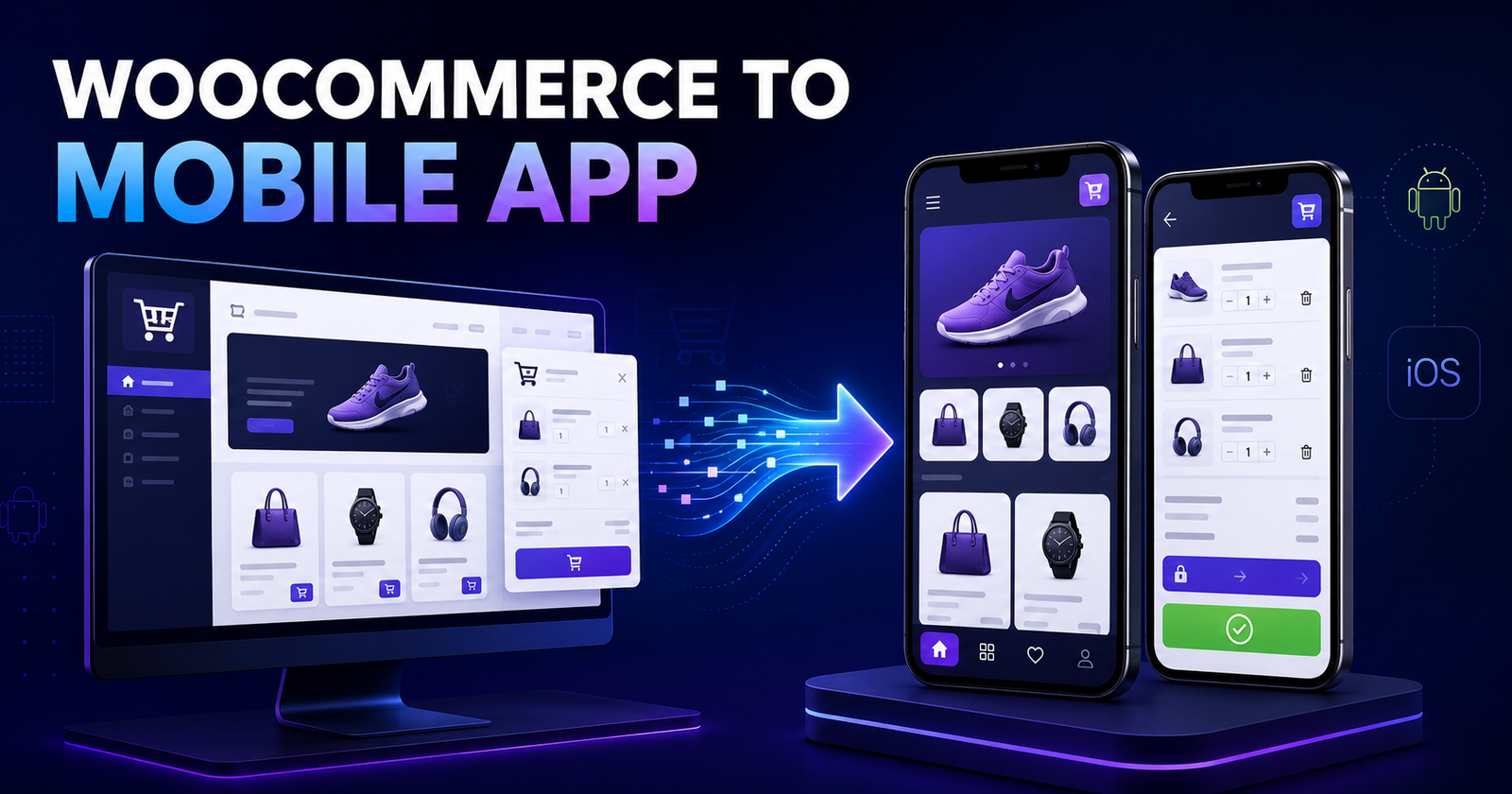
Want to convert a WooCommerce website into a mobile app? You can use your existing WordPress store as the backend for products, inventory, customers and orders while providing customers with a faster mobile shopping experience.
However, converting a website into an app is not simply a matter of placing the website inside a mobile screen. A useful eCommerce app must handle product variations, customer login, cart sessions, shipping, taxes, coupons, payments and order updates reliably.
In this guide, I will explain the available approaches, how WooCommerce and a mobile app communicate, what features you need and the mistakes you should avoid.
In this guide
Can a WooCommerce Website Be Converted into a Mobile App?
Yes. WooCommerce already stores most of the information an app needs, including products, categories, prices, inventory, customer details and orders. Its APIs allow another application to exchange this information with the store.
This means you do not normally need separate systems for the website and app. When the store owner changes a product price in WordPress, the app can display the updated price. When a customer places an order through the app, the order can appear in the normal WooCommerce order screen.
Four Ways to Convert WooCommerce into a Mobile App
1. WebView App
A WebView app opens your mobile website inside an Android or iOS application. This is usually the quickest and least expensive approach.
- Fast to build
- Uses your existing website design and checkout
- Requires fewer API integrations
- Suitable for testing an app idea with a limited budget
The limitation is that it often feels like a website placed inside an app. Navigation, loading speed and offline behaviour may not match a properly designed native-style application. App-store reviewers may also expect more value than a basic website wrapper.
2. Progressive Web App (PWA)
A PWA makes your website behave more like an installable app. Customers can add it to their home screen, and selected assets may be cached for faster repeat visits.
This is useful when you want a better mobile experience without maintaining separate Android and iOS codebases. However, installation, notifications and device-level integrations can behave differently across browsers and operating systems.
3. No-Code or App-Builder Service
Several services can connect to a WooCommerce store and generate an app using templates. This can work for a standard shop with conventional product and checkout requirements.
Before choosing one, check its recurring charges, source-code ownership, supported payment gateways, variation handling, push-notification limits and ability to add custom features. A low initial price can become expensive if every change requires a higher subscription.
4. Custom Flutter or React Native App
A custom app is the strongest option when you need your own design, business rules or integrations. Flutter and React Native both allow one main codebase to target Android and iOS.
With a custom app, you can create app-specific navigation, fast product browsing, saved addresses, wishlists, push notifications, custom delivery slots, quotation workflows, loyalty features and role-based pricing.
| Approach | Best for | Customization | Typical effort |
|---|---|---|---|
| WebView | Simple launch or proof of concept | Low | Low |
| PWA | Mobile-first web experience | Medium | Low to medium |
| App builder | Standard WooCommerce stores | Limited by provider | Medium |
| Custom Flutter/React Native | Growing stores and custom workflows | High | Medium to high |
How a WooCommerce Mobile App Works
A practical setup usually contains three layers:
- WooCommerce backend: manages catalogues, inventory, coupons, customers and orders.
- API and authentication layer: safely exchanges information between WordPress and the app.
- Mobile application: displays the storefront and lets customers shop, pay and manage orders.
WooCommerce provides a customer-facing Store API for products, carts and checkout. Its authenticated REST API is used for broader administrative access, such as managing orders, products and customers. A custom WordPress plugin may also be required for customer authentication, wishlist data, notification tokens or business-specific endpoints.
Do not assume that every WordPress plugin automatically supports a mobile app. A delivery-slot, product-addon or wallet plugin may render fields on the website but provide no app-friendly API. Each important extension must be checked during planning.
Essential Features for a WooCommerce Mobile App
Product catalogue and search
The app should show categories, product images, prices, stock status and filters without making customers wait. Search should handle common product terms and return useful results even when the catalogue becomes large.
Simple and variable products
Variable products need careful handling. Size, colour, weight, flavour or other attributes must resolve to the correct variation, price, image and stock quantity before the Add to Cart button becomes active.
Customer login and registration
Customers may sign in with email and password, mobile OTP, Google or another supported identity provider. Authentication should use short-lived or revocable tokens and must be designed specifically for mobile use.
Cart and checkout
The app must preserve the cart correctly between screens and, where appropriate, between sessions. It should support quantities, coupons, taxes, shipping methods, customer addresses and order notes using the same rules as the website.
Payment gateway
Payment is often the most complicated part of the conversion. A gateway working on the WooCommerce checkout page does not guarantee that it has a compatible mobile SDK or headless checkout flow.
Depending on the gateway, the app may use its official mobile SDK, open a secure hosted payment page or temporarily use the website checkout. The server—not the app—must verify the payment and update the WooCommerce order. Never mark an order as paid only because the customer returns to a success screen.
My Account and order tracking
Customers should be able to view profile information, saved addresses, previous orders and the current order status. If your delivery partner provides tracking data, it can be connected to the order detail screen.
Push notifications
Push notifications can inform customers when an order is confirmed, shipped, delivered or cancelled. They can also support offers and abandoned-cart reminders, but promotional notifications should be relevant and respect the customer’s consent.
Step-by-Step Development Process
Step 1: Audit the existing WooCommerce store
Start by checking the product types, active extensions, payment gateways, shipping rules, tax settings and customer flow. Fix existing checkout or data problems before connecting an app; otherwise, the app will reproduce or expose them.
Step 2: Define the first release
A first version does not need every possible feature. A sensible MVP normally includes home, categories, search, product details, cart, login, address, shipping, payment, order confirmation and order history.
Step 3: Prepare the API layer
Use the WooCommerce Store API where it matches customer-facing requirements, and add secure custom endpoints only when necessary. Define consistent validation, permissions and error responses so the app can handle failures clearly.
Step 4: Design for mobile behaviour
Do not shrink the desktop website into a small screen. Design for thumb-friendly controls, short checkout steps, readable product information and clear loading, empty and error states.
Step 5: Build and integrate the app
Develop screens in small, testable modules. Connect the catalogue first, followed by authentication, cart, checkout, payment, account and notification features. This makes API or data issues easier to isolate.
Step 6: Test real store scenarios
Testing one successful purchase is not enough. Test out-of-stock products, invalid coupons, failed payments, interrupted internet connections, duplicate taps, guest checkout, tax changes, every shipping zone and each product type you sell.
Step 7: Prepare for app-store release
Prepare the app icon, screenshots, privacy policy, support details and store descriptions. Run closed testing with real customers before production release. Android and iOS releases also require ongoing version updates when platform or payment requirements change.
Security Mistakes to Avoid
- Do not include WooCommerce consumer secrets inside the app. Mobile application packages can be inspected.
- Use HTTPS for every API request.
- Validate authentication, ownership and permissions on the server.
- Never trust product prices, discounts or order totals sent by the app; calculate them on the server.
- Store customer tokens using secure device storage.
- Apply rate limiting to OTP, login and other sensitive endpoints.
- Verify payment through the gateway and server-side callbacks.
- Keep WordPress, WooCommerce and all extensions updated.
The authenticated WooCommerce REST API is powerful and can manage sensitive store information. It should not be exposed directly from a public app with administrator-level credentials. Use a controlled server-side layer and provide only the access each customer actually needs.
Common Problems During WooCommerce App Development
- Variable products show an incorrect price or unavailable combination.
- The website and app carts use different sessions.
- A plugin’s custom checkout fields are missing from the API.
- Shipping rates differ because the customer address is incomplete.
- A payment succeeds but the order remains pending.
- Product images are too large and slow down mobile screens.
- Customers receive duplicate orders after tapping the payment button twice.
- Cache or security plugins block required API requests.
- Order access is based on an order ID without checking its owner.
Most of these problems are easier to prevent during architecture planning than to repair after the app is complete.
How Much Does It Cost to Convert WooCommerce into an App?
The cost depends on the chosen approach and the store’s actual checkout logic. A WebView or template-based solution costs less than a custom application. Features such as OTP login, multiple payment gateways, subscriptions, bookings, delivery slots, loyalty points, vendor dashboards and multilingual content increase development and testing effort.
Instead of asking only for a price per screen, prepare a feature list and request an audit of the existing store. Two WooCommerce websites with similar designs may require very different app development work because their product types, plugins and order flows are different.
How Long Does Development Take?
A basic wrapper may take a few days, while a custom MVP can take several weeks. A more advanced application may require a few months, especially when it includes custom WordPress APIs, payment SDKs, detailed testing and separate app-store approvals.
A staged release is often the safest approach: launch the core shopping journey first, collect customer feedback and add advanced features in later versions.
Should You Build a Mobile App for Your Store?
A mobile app makes the most sense when customers purchase repeatedly, need order updates or benefit from features such as saved preferences, loyalty rewards and quick reordering. It may not be the first priority for a new store with limited traffic and only occasional purchases.
In that situation, improving the mobile website and validating customer demand may provide a better return before investing in a full app.
WOOCOMMERCE MOBILE APP DEVELOPMENT
Want to Turn Your WooCommerce Store into a Mobile App?
KDP Infusion can review your existing store, recommend the right approach and develop a mobile app connected to your WooCommerce products, customers and orders.
- WooCommerce API integration
- Flutter mobile app development
- Custom login and checkout
- Payment and push notifications
Final Thoughts
Converting WooCommerce into a mobile app can give existing customers a more convenient way to browse and order. The best solution is not always the most expensive one; it is the approach that fits your products, customer behaviour, budget and future plans.
Start with an audit, define a focused first release and treat security, checkout and payments as core architecture—not final-stage additions. When the website, API and app are planned as one system, WooCommerce can serve as a practical backend for a reliable mobile commerce experience.
Frequently Asked Questions
Yes. WooCommerce can remain the central backend, so products, stock, customers and orders can be managed from the existing WordPress dashboard.
Not necessarily. Cross-platform frameworks such as Flutter or React Native can share most of the code while producing apps for both platforms.
No. Plugins that change only the website interface may not expose their information through an API. Important extensions must be checked individually.
It may, depending on the gateway’s mobile SDK, hosted checkout and server-side verification options. Compatibility should be confirmed before development begins.
Yes. The app can store a device notification token, and WordPress can trigger notifications when relevant order statuses change.
It can be enough for a basic or temporary release, but a custom app generally provides better navigation, performance and access to mobile-specific features.